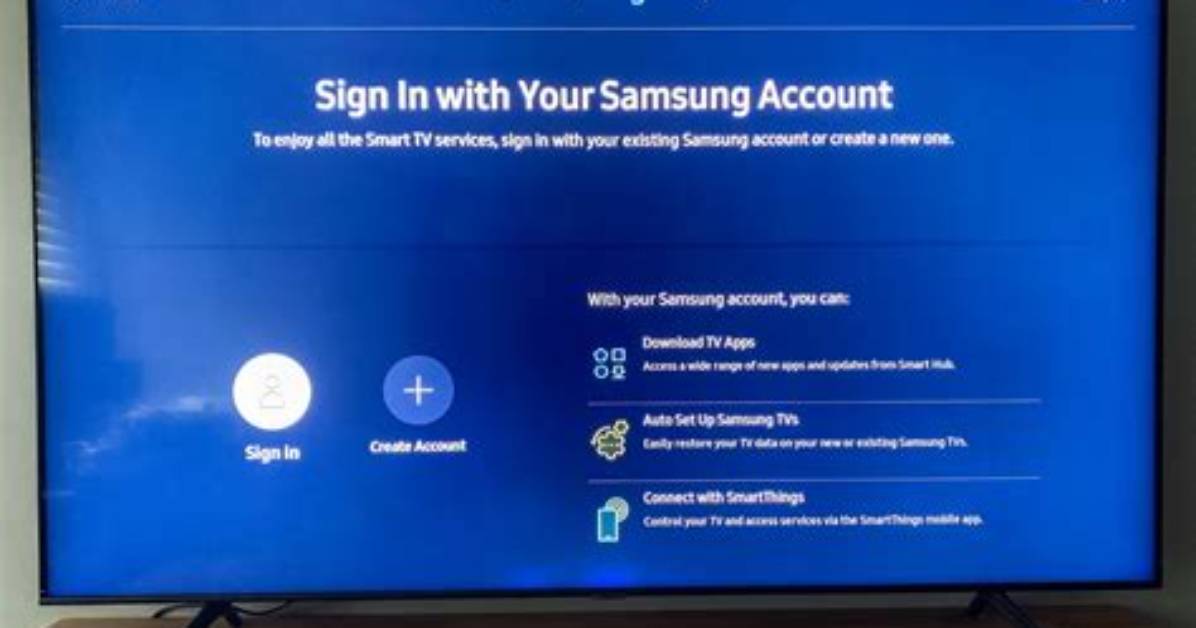
We know you’re excited to start watching your new Samsung TV. But before you can sit back and take in the vivid images on screen, you have to set up the Samsung smart TV.
Samsung uses the Tizen operating system and it needs to know a few things before it launches, such as how to connect to the Internet and what your Samsung account is. Don’t worry — it doesn’t take long.
Here’s how to set up your Samsung smart TV:
1. Begin the set up process
The first step in the Samsung TV setup process is powering it on. Turn on the TV by pressing the power button on the remote. The first screen you see will ask you to press right on the remote’s scroll wheel to start the process. If you prefer, you can do the set up process on your phone by downloading the SmartThings app.
2. Connect any devices to HDMI
If you have a set top box, game console or streaming device, plug it in to the one of HDMI ports on the back right of the TV, or connect an antenna if you’re using one. You can also add any of these devices later.

